Saturday, 3 August 2013

MX Player Pro v1.7.16 apk

MX Player Pro v1.7.16 Patched *PROPER*
Requirements: 2.1 and up
Overview: THIS IS THE AD-FREE VERSION OF MX PLAYER.
MX Player Pro - screenshot
MX Player – The best way to enjoy your movies.
a) HARDWARE ACCELERATION – Hardware acceleration can be applied to more videos with the help of new H/W decoder.
b) MULTI-CORE DECODING – MX Player is the first Android video player which supports multi-core decoding. Test result proved that dual-core device’s performance is up to 70% better than single-core devices.
c) PINCH TO ZOOM – Zoom in and out with ease by pinching and swiping across screen.
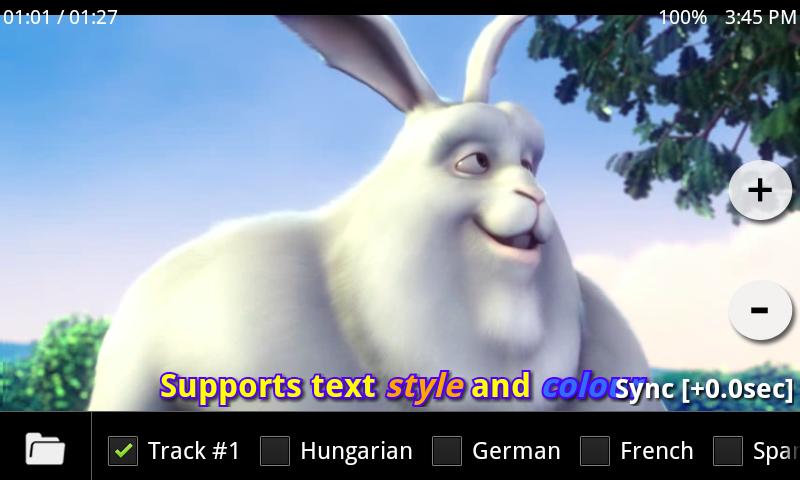
d) SUBTITLE SCROLL – Subtitles can be scrolled to move back and forth faster.
e) KIDS LOCK – Keep your kids entertained without having to worry that they can make calls or touch other apps. (plugin required)
Subtitle formats:
- DVD, DVB, SSA/ASS Subtitle tracks.
- SubStation Alpha(.ssa/.ass) with full styling.
- SAMI(.smi) with ruby tag support.
- SubRip(.srt)
- MicroDVD(.sub/.txt)
- SubViewer2.0(.sub)
- MPL2(.mpl/.txt)
- PowerDivX(.psb/.txt)
- TMPlayer(.txt)
What’s New
CUSTOM CODEC BEFORE 1.7.16 IS NOT COMPATIBLE WITH THIS VERSION.
Support Android 4.3.
Improved Hi10p playback performance with s/w decoder.
Added an option to use h/w decoder’s native audio track selecting feature for Android 4.1 and higher.
Added “audio player” option to use MX Player as an audio player.
Added YUV color format for s/w decoder.
Added an option for selecting preferred audio language.
“Back to list” option replaces “Playback completion action” option.
This app has NO advertisements
Note:
Please remove all previous version and codec at first!!!

Thursday, 1 August 2013

Now Playing v1.6 apk

Now Playing v1.6
Requirements: 2.3 and up
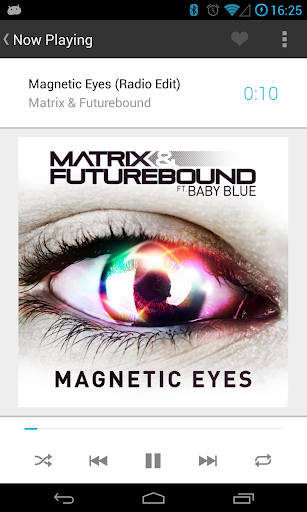
Overview: Now Playing is a powerful, elegant music player for Android.
 
Featuring a simplistic Google Now-esque theme, Now Playing is the most beautiful Music Player in the Play Store.
Now Playing is streamlined, containing only the necessary features, without the bloat and complex UI’s of the competing music players.
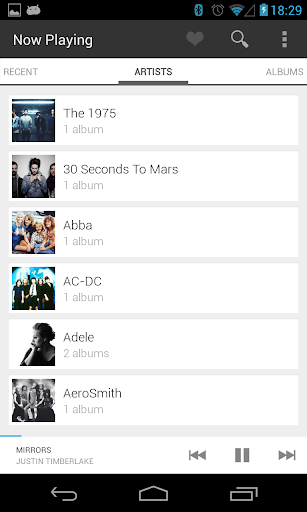
Now Playing’s streamlined approach to your music collection allows you to quickly navigate your library to find the song you’re looking for. It’s built in search function speeds this process up even further if you already know what you’re looking for.
Features:
• Compatibility with your phones built in equaliser. If your phone did not come with one, one can be downloaded from the Play Store.
• Share your currently playing songs on Twitter/Facebook/Google+ or anywhere else you like with one tap.
• Automatically fetches lyrics for the currently playing song.
• Automatically downloads Album/Artist art from Last.FM.
• Scrobbling to Last.FM. (Soon)
• DashClock Music compatibility.
Gestures/Navigation:
• On the Now Playing screen, swipe to the right to get to the song queue. Swipe to the left to fetch lyrics for the currently playing song.
• Tap the bottom bar to goto the Now Playing screen from anywhere in the app. Swipe the bottom bar audio controls to expose shuffle and repeat options.
What’s in this version : (Updated : Jul 26, 2013)
Back to Google play

K-@ Mail Pro – email evolved v1.36 apk

K-@ Mail Pro – email evolved v1.36
Requirements: Android 2.1+
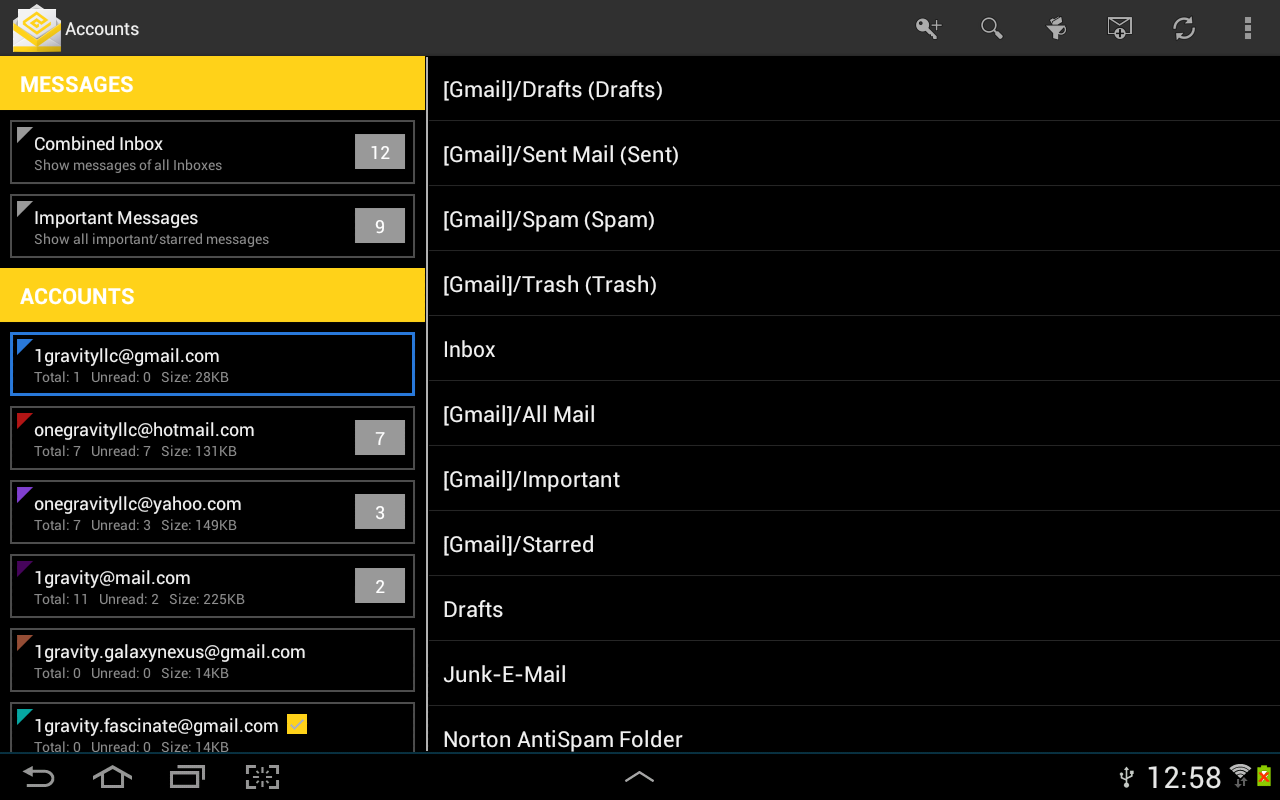
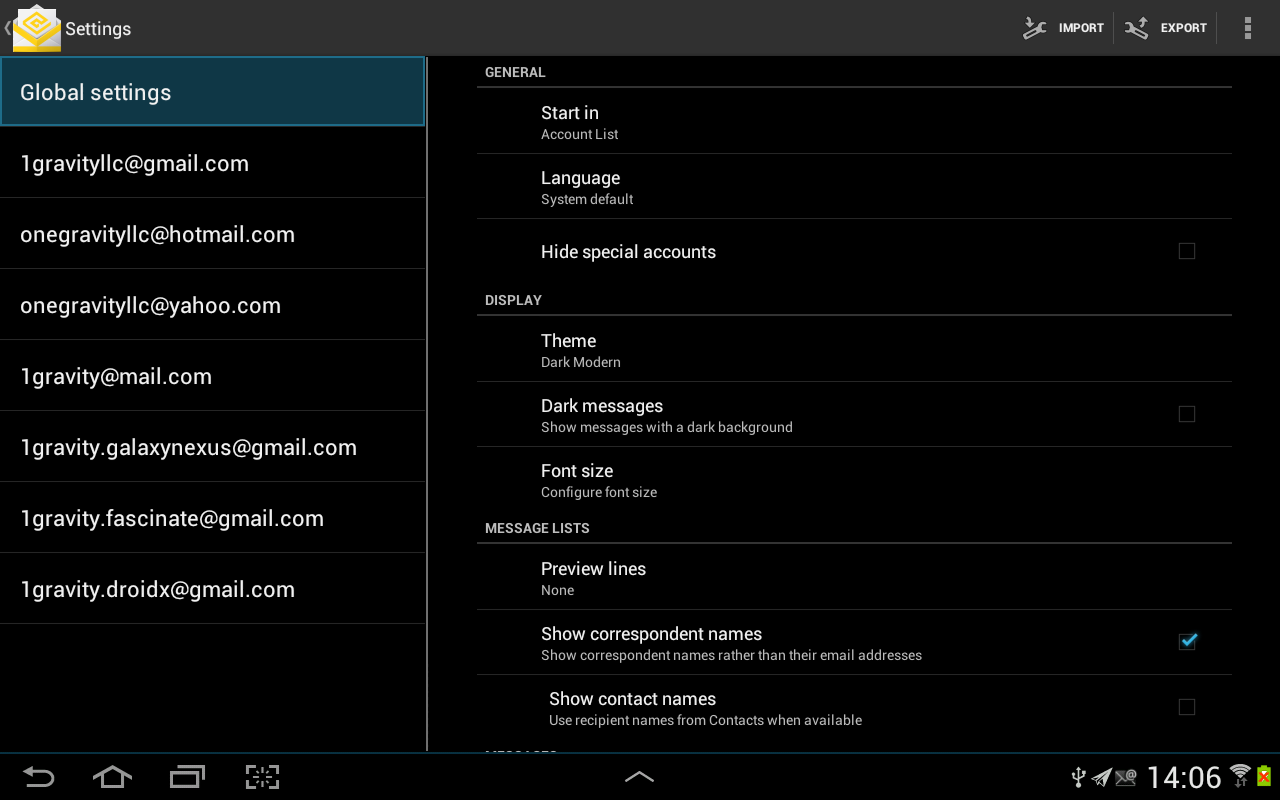
K-@ Mail Pro (Kat Mail Pro), the first and only email client for Android that combines a gorgeous graphical design with great user experience and the power of K-9 “under the hood”.
Please note:
Exchange accounts are NOT supported yet.
••••• Highlights •••••
★ Beautiful yet simple design for a great user experience
★ Automatic setup for many popular email services like Yahoo, Hotmail or Gmail
★ Supports more email services via IMAP, POP3 and/or SMTP
★ Split-screen views on tablet sized screens
★ Advanced Email Widget
★ Text-to-speech notifications based on user activity (driving, cycling, walking…)
★ Localized in more than 20 different languages
★ Encryption and signatures (PGP)
★ Highly configurable and customizable
••••• Supports •••••
✔ Phones and Tablets
✔ Portrait and landscape mode
✔ All screen types and sizes
✔ Keyboard, trackball and touch screen
✔ Android 2.2, 2.3, 3.x, 4.x
✔ DashClock Widget
••••• New Features •••••
We are currently working on the following features.
They will be released in an upcoming version for free:
★ Rich-Text Editor for message composition
★ UI Enhancements (swiping gestures to delete and archive mails, animations…)
★ Conversation view
★ Exchange Support
★ and much more…
What’s New
★ Fixed issue with notification on Android 4.3
★ Fixed a crash when replying to emails
★ Fixed a crash related to old instances of the message list widget
★ Fixed a crash related to text-to-speech
★ Message list shows now date and time together and next to the sender (before next to subject)
★ Re-enabled Emoji
★ Message header fields (subject, recipient etc.) can now be selected for copy & paste (>=Android 3.x)
★ Improved Vietnamese translation
More info:
Download

ReLoop Loop Sequencer v2.0.7 apk

ReLoop Loop Sequencer v2.0.7
Requirements: Android 1.5 and up
Overview: Quickly make music using samples and loops, just like Garageband or Sony’s ACID.
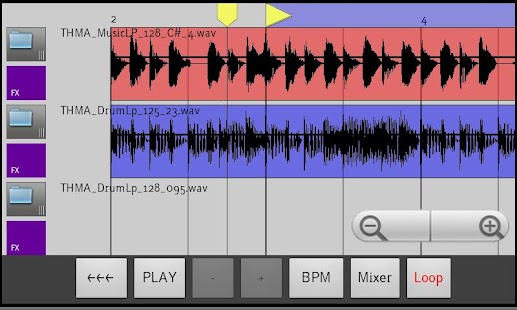
ReLoop Loop Sequencer - screenshot thumbnailc
Real time live loop preview, hear how a loop will sound while currently playing what’s already programmed.
Get more samples for FREE by downloading ReLoop loop Paks from Android Market or from my website, OR load your own samples too unto your sdcard.
3 real-time FX : Delay, Low pass filter, and Distortion.
Easy to use interface – Drag/Drop loops on the timeline.
- TAP a track number to bring up a screen to load a sample or loop to that track.
- LONG PRESS a track number to bring up the FX dialog for that track.
- TOUCH AND DRAG TO THE RIGHT off a track number to add it’s sample to the timeline
- LONG PRESS a sample to select it for further editing.
- LONG PRESS a sample AND DRAG TO THE LEFT OFF THE SCREEN to delete the sample from the timeline.
- LONG PRESS a sample and move it left to right to move its position on the timeline.
- CHECK THE MENU for even more operations such as slice, copy, undo, snap, etc.
CD quality sound (44Khz 16bit stereo).
WAV import – LOAD YOUR OWN samples and loops from SDCARD. File location is /sdcard/reloop/samples.
Use my Sonic Chop app (sold separate) to chop samples from MP3′s on your device and load them right into ReLoop!
24 bit WAV support, no need to convert your samples or loops to use them. Use samples from loopmasters, primeloops, etc, right away.
CHANGE PITCH on one-shot samples to build melodies
SLICE loops and rearrange.
SNAP up to 1/16, or turn off SNAP and lay samples wherever you want.
COPY/PASTE samples or entire blocks
WAV Export.
Uses as much screen space as you have, works great on Galaxy tablet screens.
What’s New
2.0.7 – added a menu icon top right for easier access to menu on android 4.x and higher devices
2.0.6 – easier scrolling on the timeline screen, you can now fling and have it smoothly scroll more quickly

Hovering Controls v1.2.7 apk

Hovering Controls v1.2.7
Requirements: 2.2 and up
Overview: Ever wanted to use your smartphone without touching the screen? Now you can!!
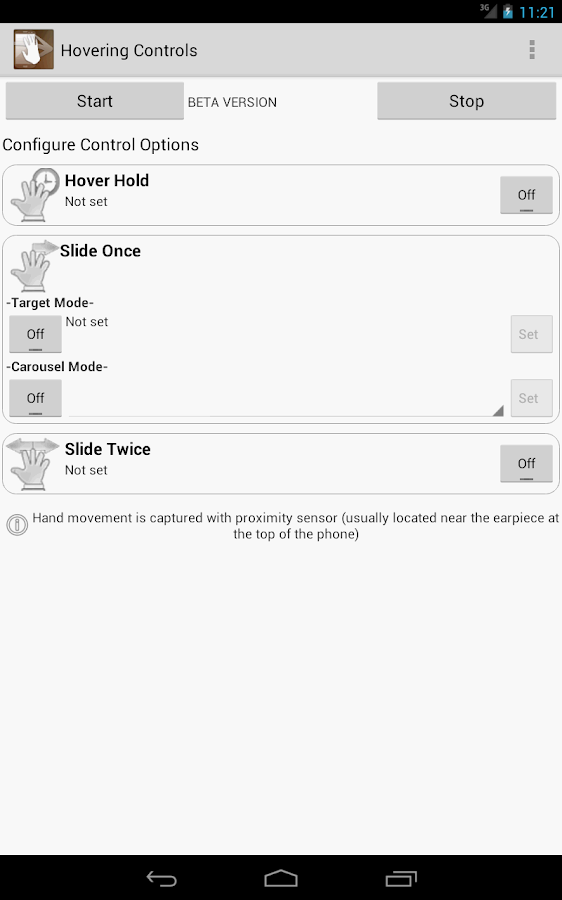
Hovering Controls - screenshot
With Hovering Controls you can use your phone just like Samsung Galaxy S4 does with Air Gesture and much more!
If you find this app usefull for you, consider buying it for supporting new updates, thank you.
Hovering Controls uses the proximity sensor of your device to register simple motions performed in front of your device. Predetermined apps can be launched by either hovering over the sensor, swiping once, or swiping twice. Silencing an alarm or ringtone is as simple as a hand wave. You can also control your media playback this way, allowing you to change to the next or previous song or video without ever turning on the phone screen and physically touching it.
Do you like Quick Glance from Galaxy S4? Now you can have it too!!
And that is not all, you can lock/unlock your phone, answer calls, slide betwen photos in your gallery and scroll up/down in your browser!! (some features need a rooted device)
Two modes are available, both offering a different take on opening apps:
Target mode: open a pre-determined app with a set gesture
Carousel mode: open up apps from a set list of apps
Promotional video is from early Beta.
The app uses proximity sensor, use test sensor in menu to test your sensor sensibility and finde how you have to wave for it to detect. If you decide to hide notification icon, the service may stop working if android needs memery resources (it will stop detecting events ) for a while until it is restarted by its own.
Known issues:
- browser scroll, gallery swipe and unlock may not work, depend on phone model, fix in next update.
- for some users, slide twice is difficult, we are implementing a new shake system.
- phone app is open when choosing contacts and sometimes it crash.
Features for NO ROOT:
- Set apps to open with all the available gestures.
- Silence alarm.
- Silence incoming call.
- Switch betwen recent apps (like back and forward beheaviour)
- Fast go to home screen
- QuickGlance like Galaxy S4 has!!! (or choose to show your lockscreen)
- Control your music player (next/previous/pause/resume) even with screen off!!!
- Shake phone during a call to activate/deactivate speakerphone.
- Answer incoming call, just put your phone near to your ear (it uses Hover Hold motion)
Features for ROOT USERS:
- All previous features.
- AutoShoot pictures/videos, no need to push the button again!
- Unlock screen with two hand slides! (not available with secure lockscreens yet, future updates)
- Slide betwen your photos in your image gallery (1 slide->next, 2 slides->previous)
- Scroll up and down in your browser (1 slide->down, 2 slides->up)
More features to come as well as translations!!!
What’s New
v1.2.7
- Again, Fixed QuickPic gallery slides.
- Added slides compatibility with F-Stop Image Gallery.
- Fixed Stock Camera not pausing events if you set to not use while in camera mode.
- Other fixes.

UCam Ultra Camera Pro v3.2.1.073002 apk

UCam Ultra Camera Pro v3.2.1.073002
Requirements: 2.2 and up
Overview: This is Pro Version of UCam. There are main 3 differents than Free version
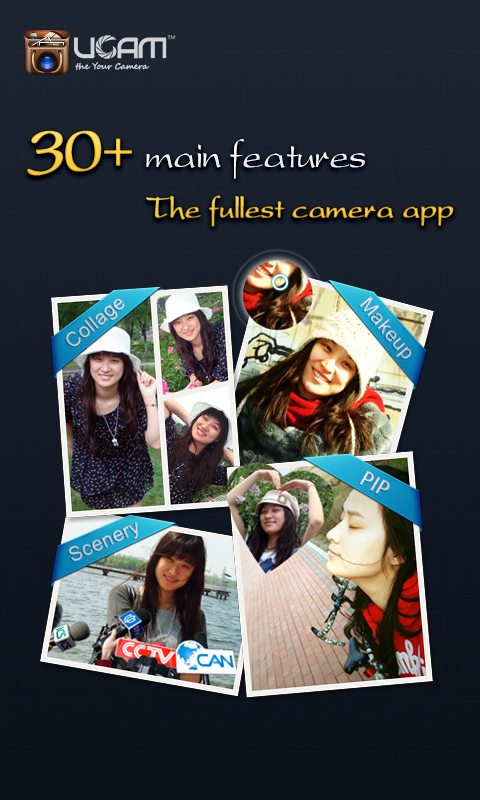
UCam Ultra Camera Pro - screenshot
01. Beautification/Makeup feature.
02. High performance Panorama.
03. more stable.
More than 30,000,000 users are enjoying UCam, the most popular & powerful photographing software!
30+ main features, your ULTRA camera application!
01. Support more than 30 software/hardware camera parameters to make sure high quality picture/video.
02. Smart & Natural beautification
- automatic face/skin detection
- soften/whiten skin, trim face, eyes enlarge
03. More than 60 capture scenarios help you to be a shining star on magazine, billboard and LED screen.
04. The best image post process tool-①more than 100 effects②abundant edit function③perfect text, bubble and label④Excellent graffiti⑤hundreds of frames,
textures and decorators⑥convenient puzzle.
06. Unique Picture In Picture (PIP) capture mode.
07. Most convenient GIF animation maker.
08. The fastest burst shot camera.
09. Most convenient SNS posting tool- post picture/message to all your SNS sites/accounts simultaneously (support facebook, twitter, flickr, sina weibo, QZone, renren, kaixin, tencent weibo and sohu weibo).
All these are in UCam. Without UCam, you need more than 10 apps of 100MB memory.
UCam, your ultra camera, the only camera you need!
If you have any question or suggestion, please post to forum.u-camera.com.
What’s New
Change log of Version 3.2.1 -
01.Fix some bugs for secret albums.
02. Fix twitter can not upload problem.

MoneyWise v4.4.0 Pro apk

MoneyWise v4.4.0 Pro version
Requirements: Android v2.2+
Overview: Using MoneyWise Pro electronic checkbook you can easily keep track of your everyday expenses and keep an eye on your cash flow. No more overdrafts!

Using MoneyWise Pro electronic checkbook you can easily keep track of your everyday expenses and keep an eye on your cash flow. No more overdrafts!
MoneyWise Pro was named “The Best Budget-Tracking App For Android” by LifeHacker, 2012.
With this powerful yet simple to use application you can filter and browse expenses by date, category or account. View graphs and see if you are keeping your budget targets.
To this day MoneyWise has helped thousands of users from 120 countries around the world to get a grip of their personal finance and make wiser economic decisions.
MoneyWise Pro supports all currencies of the world (e.g. $, €, £, ¥, kr, R$).
Using tags and categories you can classify expenses anyway you like: Private/Work, Cash/Credit, Projects, Expense accounts. Used for filtering and analysis.
In short: User friendly. Professional filtering, browsing and graphing functionality. Set up budgets. Repeating transactions. Export data as HTML for printing and archiving.
Features include:
✔ Ad free
✔ User friendly and easy to use
✔ Doesn’t require internet access, no registration.
✔ Multiple accounts
✔ Multiple budgets
✔ Weekly, biweekly and monthly budget periods
✔ Income and expenses
✔ Password protection
✔ Recurring transactions
✔ Transfer between accounts
✔ Graph expenses over time
✔ Graph expenses by category
✔ Tag expenses
✔ Filter by categories and tags
✔ View by day/week/month/year
✔ Monitor account balances
✔ Backup to SD card
✔ Export as CSV for Excel import
✔ Export as HTML
✔ Export a backup of all data as e-mail or to Dropbox
✔ Multiple currencies
✔ Switch currency when traveling
✔ Mark transactions as cleared by the bank
✔ Create and rename Tags
✔ Create and rename Categories
✔ Change start date of budget months
✔ Highly configurable (date format, currency, text size)
✔ Can import data stored in the free “MoneyWise” and “MoneyWise.eu” apps.
(Enabled) This professional edition of MoneyWise has no limitations regarding number of number of accounts, tags, budgets, filters, backup/restore, HTML export etc. MoneyWise Pro also includes recurring transactions, transfer between accounts, batch operations and currency conversion. Ad-free. f000h
Tip: Using Dropbox it is easy to keep a safe backup of your data at an external location. Simply install the Dropbox application from Android Market. In MoneyWise: Open the menu and click “Export Data”. Backups are restored manually via USB.
Keywords: [money tracker, budget tracker, expense tracker, budget manager, expense manager, savings, save money, log, spending, payment, cash, exchange, personal finance, wallet, checkbook, checking account, currency, euro, dollar dollars, pound pounds, bank, mobile banking, receipt, gastos, checkbook, cashbook, ledger, budget envelope]
Recent changes:
4.4.0
• New option to choose between a light UI theme and a dark theme.
• UI improvements.
• New support for adding sub categories under a category.
• New option to export data in Excel format (.xls)
• Better handling of the soft keyboard.
• A new button in the account dialog helps you recalculate the account balance if necessary.
Visit Website
Less description »
Note: all premium features available. no key file needed.

AppMonster Pro Backup Restore v3.0.3 apk

AppMonster Pro Backup Restore v3.0.3 *PROPER*
Requirements: 1.6 +
Overview: AppMonster is an application manager for Android smartphones and tablets, that provides anything regarding installed Android Apps (like backup, restore, manage), by simple and powerful user interface.
AppMonster Pro Backup Restore - screenshot
With AppMonster you can easily manage, backup and restore your apps. Enjoy features like batch backup, batch restore, uninstall, install from SD card, share and much more.
Simple, fast, easy to use, stable.
Let the AppMonster support you after phone reset or switch to a new phone. With backup of Market-Links you’ll get your apps back and update-notifications from Market as well.
You don’t need to root your phone, all features like backup, restore and other work without root.
Backup apps:
- Automatic backup on new app installations, you have always app backups
- Multiple version backup, you can always downgrade any app
- Backup apps to SD card
- Restore apps from SD card
- Backup/restore install-files (.apk) or Market-Links
- Batch restore from SD card or from Market
- Batch delete your backups
Manage apps:
- Quick uninstalling
- Search in apps and backups
- Sort your apps by install-date, name, size…
- Display apps with Ads (AdMob)
- Display apps can be moved to SD card
- Display apps are protected
- Display apps with background service
and more:
- Access to extended options like APP2SD, cache, permissions
- Scan SD card for install-files (.apk-files)
- Share app-links via Facebook, Twitter, mail
- Send backed up apps (.apk-files) by mail, Dropbox or what ever
What’s New
!!! “Menu -> Refresh Apps” after update on ROOT !!!
3.0.3
License check improved
UI improvements (useless stuff was removed)
Other bugfixes
3.0.1
Fix for license check issues
Some UI improvements
3.0.0 major update with support for ROOT users
Backup protected apps (ROOT)
Silent 0-click batch restore (ROOT)
Drastically reduced memory usage
Increased loading speed
Batch restore menu redesigned

IP Cam Viewer Pro v5.0.2 apk

IP Cam Viewer Pro v5.0.2
Requirements: 1.6 and up
Overview: Awarded Best Software Award 2011 in Utilities category.
IP Cam Viewer Pro - screenshot thumbnail
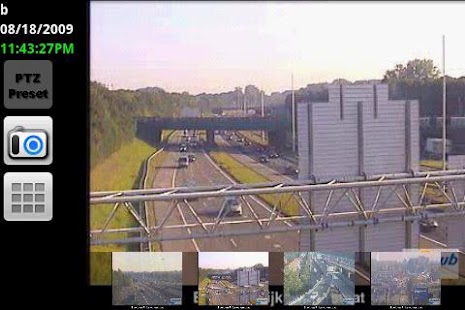
Remotely view and control your IP Camera, DVR, Network Video Recorder, CCTV or WebCam using this Android app.
New! Motion Detection built into app works with all cameras. Option to play sound in viewers when motion is detected. Option to record only when motion is detected in Record Mode. Mobile notifications will be added in a future release.
2-way audio support on some cameras for use as baby monitor (axis, panasonic, foscam, more) and honeycomb tablet support.
Includes Record Mode which turns any spare Android device into a solid state, battery backed network recorder for your standalone IP cameras. Allows playback, search, and export to video clip.
- SSL and HTTPS encryption for privacy
- RTSP, H.264, MPEG4, ONVIF and more video formats
- two way audio for some cameras
- pan tilt and zoom (PTZ), presets
- motion detection inside app works with all cameras
- relay to control things like lights and garage doors
- custom controls like patrol (varies with various models)
- home screen widgets
- matrix view, gallery view, and auto sequence mode
- double tap for digital zoom using pinch to zoom
- grouping of cameras to organize and for quick recall.
- Export / Import and sharing of cameras
- built-in traffic camera database
- browser integration
- app password to protect access from others
- 24/7 recording of cameras
- scan camera capability
- auto sequencing of cameras and groups
What’s New
- more drivers and driver fixes
- optional app password timeout in Settings
- new record schedule per camera in Edit Camera -> More Options
- new in-app Motion Detection! goto Edit Camera -> More Options
- for viewers, option to play sound when motion detected
- for record mode, option to record only when motion detected
- for record mode matrix view, option to play sound when motion detected
- work better with FolderSync Lite for record folder sync
- ipv6 support
- background audio mode

Floating Toucher Pro v1.6 apk

Floating Toucher Pro v1.6
Requirements: 2.3 and up
Overview: Assistive touch comes from iPhone, but Floating Touch is specially designed for Android.
Floating Toucher - screenshot
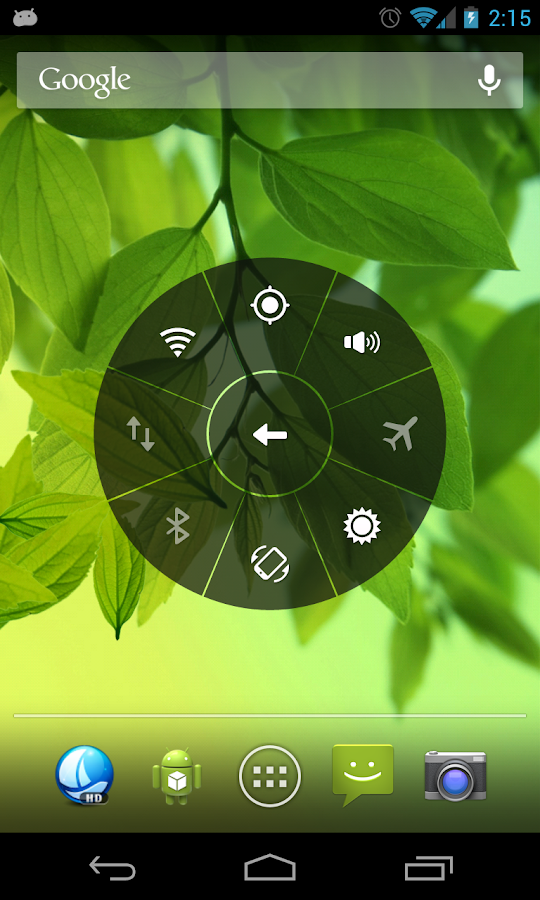
Floating Touch is a button floats on your screen over other apps, and you can move it anywhere. Floating Touch contains most commonly used switches of Android system and all installed apps, you could control your device or open your favor app easily without exiting current app.
Besides that, you can make it unique by:
1. Customizing the panel functions, pick your most commonly used switches or favor apps
2. Creating folder for apps or switches
3. Changing the floating button style, or DIY your own button.
4. Changing the panel’s color.
Features list:
1. Clear memory
2. Back/Home button(Need ROOT)
3. Favor apps
4. Recent apps
5. System switches
-Screen brightness
-Ring mode
-Bluetooth
-Wifi
-GPS
-APN(Mobile network)
-Rotation
-Flashlight
-Airplan mode
The pro features including: (Enabled)
1. Create new folder
2. Personal floating point
3. More coming…
V1.5 update:
1. New feature: Support shortcut
2. New feature: Support custom panel color
3. New feature: Support “Wifi hotspot” and “Expand status bar”
4. Add languages: Russian, French, Arabic, Dutch, Italian, Portuguese for Brazil
5. Add options:
Enable/Disable “Stick point to screen border”
Enable/Disable “Panel animation”
6. Floating Touch is now renamed to Floating Toucher

Twitter Delicious Facebook Digg Stumbleupon Favorites More